
This is particularly important for modern websites built with JavaScript frameworks, large frontend applications, third-party services, high-resolution images, and increasingly complex functionality. Performance problems are often not caused by one obvious mistake. They can come from the interaction between the server, frontend code, images, fonts, APIs, JavaScript execution, caching, and the way content is rendered. Improving performance therefore requires understanding the website as a system rather than simply applying a collection of optimisation techniques.
What Are Core Web Vitals?
Core Web Vitals are a set of user-focused performance signals used to evaluate important aspects of the experience people have when interacting with a web page. They focus on areas such as loading performance, responsiveness, and visual stability. Rather than treating website speed as a single number, these measurements provide a more useful way of thinking about how a page behaves during an actual visit.
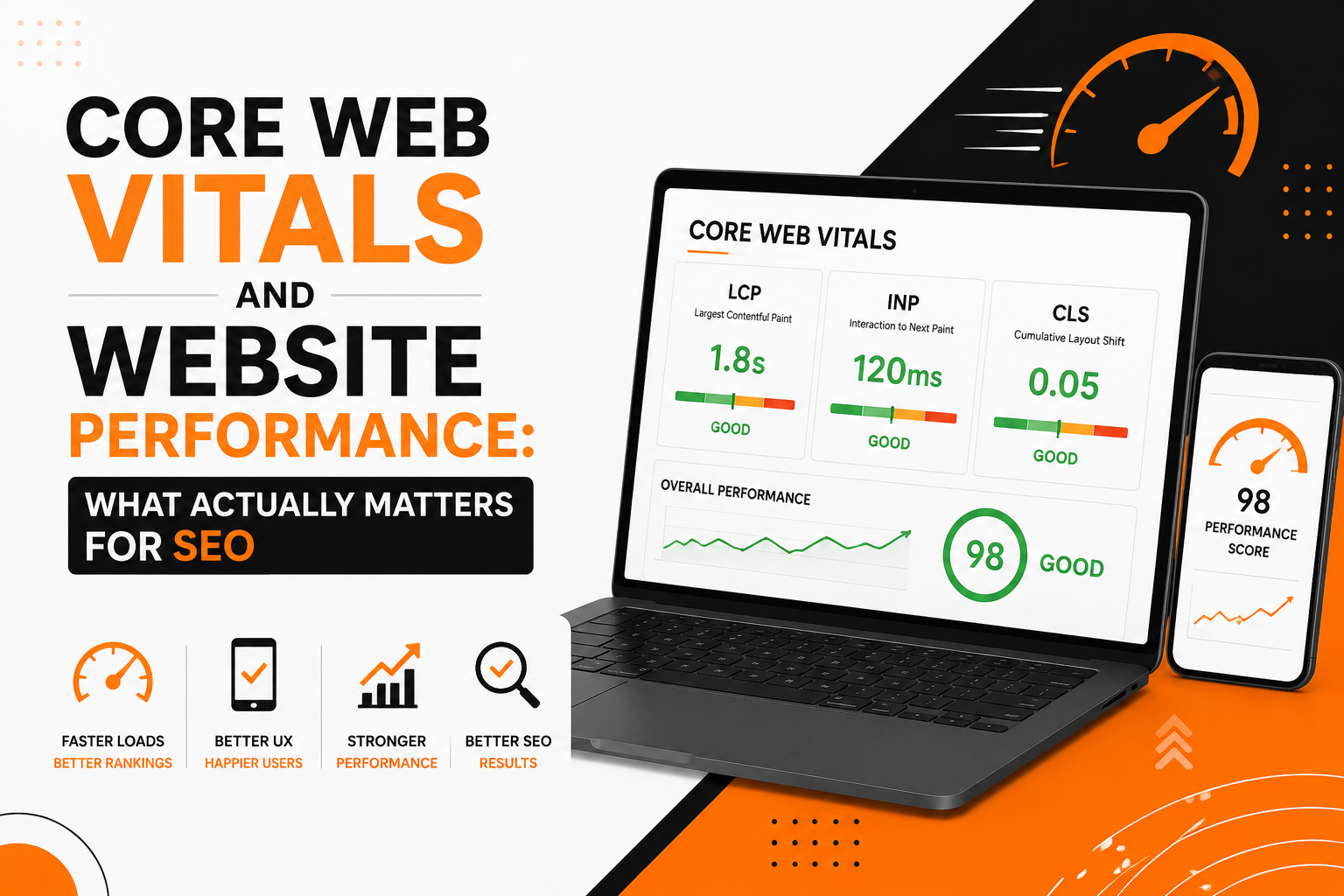
The three primary Core Web Vitals are Largest Contentful Paint (LCP), Interaction to Next Paint (INP), and Cumulative Layout Shift (CLS). Each measures a different part of the user experience, and improving one does not necessarily mean that the others will improve automatically.
Largest Contentful Paint
Largest Contentful Paint, commonly abbreviated as LCP, is concerned with how quickly the main piece of visible content becomes available. Depending on the page, this could be a large heading, an image, a banner, or another prominent element within the viewport.
When investigating a poor LCP result, I don’t immediately assume that the server is slow. The actual cause could be a large image, render-blocking resources, slow font loading, excessive CSS, JavaScript delaying rendering, or the way the main content is being generated. This is why improving LCP requires looking at the entire path between the initial request and the point where the main content becomes visible.
Interaction to Next Paint
Interaction to Next Paint, or INP, focuses on responsiveness. A page can appear to load quickly and still feel frustrating if clicking a button, opening a menu, submitting a form, or interacting with another component causes a noticeable delay.
This is especially relevant to JavaScript-heavy applications. Large JavaScript bundles, expensive calculations, unnecessary event handlers, and long-running tasks can keep the browser busy when the user is trying to interact with the page. In those situations, performance optimisation becomes closely connected to frontend engineering rather than being purely an SEO task.
Cumulative Layout Shift
Cumulative Layout Shift measures unexpected movement of content while a page is loading. A familiar example is clicking a button only for the page to move because an image, advertisement, font, or dynamically loaded component suddenly changes the layout.
Layout instability is frustrating for users because it makes the interface feel unpredictable. It can also cause accidental interactions, particularly on mobile devices. Preventing these shifts often involves reserving space for images and dynamic elements, using appropriate dimensions, managing fonts carefully, and ensuring that content isn’t unexpectedly inserted above content that the visitor is already viewing.
Why Website Performance Matters for Technical SEO
Technical SEO is often discussed in terms of crawling, indexing, URLs, metadata, and site architecture, but the technical quality of a website also influences the experience visitors have after reaching a page. Search visibility is only useful when users can actually interact with the resulting website efficiently.
Performance also becomes more important as websites become more technically sophisticated. A simple content website may require relatively little JavaScript, while a SaaS platform or single-page application may depend on substantial client-side processing. If that implementation isn’t carefully managed, the browser may have to download, parse, compile, and execute large amounts of code before the user can interact with the application.
This is one reason I consider performance as part of the broader technical SEO picture rather than treating it as an isolated optimisation exercise.
A Fast Website Is Not Just a High Lighthouse Score
Tools such as Lighthouse and PageSpeed Insights are extremely useful for diagnosing performance problems, but I don’t think a performance audit should end with a score. A score is a useful signal, but it doesn’t explain the entire experience of a real visitor or tell you exactly which architectural decision created the problem.
For example, a website might score poorly because it loads a large JavaScript bundle, but the appropriate solution isn’t necessarily to remove JavaScript. If the application genuinely requires that functionality, the better approach may be to split the bundle, defer non-critical code, reduce unnecessary dependencies, or load functionality only when it is needed.
The same principle applies to images. Removing images may improve a performance score, but it isn’t necessarily a good solution if those images are important to the page. Optimising their dimensions, formats, compression, delivery, and loading behaviour is usually a better approach.
Performance optimisation should therefore balance technical measurements with the actual purpose of the website.
JavaScript Can Become a Performance Bottleneck
JavaScript is one of the most common areas I investigate when working with modern websites. Frameworks such as React, Vue, Angular, and other JavaScript-based technologies make it possible to build sophisticated interfaces, but the flexibility they provide also means developers need to be deliberate about how much work is sent to the browser.
A page doesn’t necessarily become faster simply because the application is built with a modern framework. The final result depends on what the application sends to the browser and what the browser is required to do with it.
Large JavaScript Bundles
One issue can be unnecessarily large JavaScript bundles. If a page loads functionality that isn’t required for the initial experience, the browser may spend time downloading and processing code that the visitor doesn’t immediately need.
Code splitting and lazy loading can help by allowing functionality to be delivered when it becomes relevant rather than forcing everything to load at once. This is particularly useful for larger applications where different pages or features have very different requirements.
Expensive Client-Side Work
The size of a JavaScript file isn’t the only concern. A relatively small script can still create performance problems if it performs expensive calculations, repeatedly manipulates the DOM, processes large datasets, or blocks the main thread for too long.
When diagnosing INP or responsiveness problems, it is therefore useful to investigate what the browser is actually doing rather than simply looking at the size of downloaded assets.
This connects directly with the JavaScript SEO considerations I discussed in my earlier article, Single-Page Application SEO: How to Make JavaScript Applications Search Engine Friendly. Search visibility and performance can sometimes be affected by the same underlying implementation decisions.
Images Are Often an Easy Place to Find Performance Improvements
Images can have a significant impact on loading performance because they are frequently among the largest resources requested by a page. This is particularly noticeable on websites that use large hero images, portfolio screenshots, banners, product imagery, or photography without adapting those assets to the actual display size.
I don’t recommend simply compressing every image as aggressively as possible. The objective is to deliver an appropriate image for the context in which it is being displayed. That means considering dimensions, format, quality, responsive image delivery, and whether the image is actually important to the initial viewport.
Above-the-Fold Images
If a large image contributes significantly to the first visible section of a page, its loading behaviour deserves particular attention because it may influence LCP. Delaying an image that is immediately visible can have the opposite effect from what was intended.
Images that are far below the initial viewport are different. Those can often be loaded later because there is little benefit in downloading them before the visitor has reached the relevant part of the page.
The important distinction is understanding which resources are critical and which can safely wait.
Server Performance Still Matters
Frontend optimisation receives a lot of attention, but the server is still an important part of the performance equation. Before a browser can render content, it needs to receive a response from the server. Slow database queries, inefficient backend processing, poor caching, limited server resources, and unnecessary API calls can all increase the time required to deliver the page.
This is particularly relevant for dynamic applications where the initial response depends on database queries or several backend operations. A frontend optimisation cannot completely compensate for an inefficient backend.
For applications built with technologies such as Laravel, Django, Node.js, .NET, or other backend frameworks, performance improvements may involve database indexing, query optimisation, caching, API design, server configuration, or changes to how data is loaded.
This is another area where technical SEO overlaps naturally with software engineering. A performance issue may look like an SEO problem from the outside while the actual solution sits inside the application’s backend architecture.
Third-Party Scripts Can Quietly Slow a Website Down
Analytics platforms, advertising systems, chat widgets, social media integrations, heatmaps, tracking scripts, embedded videos, and other third-party services can add useful functionality to a website. The problem is that every additional external dependency has the potential to introduce more network requests, JavaScript execution, or rendering work.
During a performance review, I therefore look at third-party resources as part of the overall system rather than assuming that every script should remain simply because it has been installed.
Some scripts may be essential. Others may only be used occasionally. Some may have been added years ago and no longer serve a meaningful purpose. Removing unnecessary third-party code can sometimes provide a surprisingly noticeable improvement because it reduces work that the website doesn’t actually need to perform.
Performance and Mobile Users
Performance problems can become more noticeable on mobile devices because visitors may be using slower connections, less powerful hardware, or smaller screens. A page that feels acceptable on a modern desktop computer may behave very differently on an average mobile device.
This is one reason I prefer evaluating performance in realistic conditions rather than relying exclusively on the environment used during development. A developer working on a fast computer with a high-speed connection can easily underestimate how much work a page is asking from an ordinary visitor.
Responsive design therefore needs to consider more than screen size. The amount of JavaScript, the size of downloaded assets, image delivery, font loading, and rendering complexity all contribute to the experience.
How I Approach Website Performance Improvements
When I review website performance, I prefer starting with evidence rather than immediately changing code. I look at the available performance data, identify the largest contributors to slow loading or poor responsiveness, and then trace those problems back to the underlying implementation.
The process can involve reviewing network requests, JavaScript execution, images, fonts, caching, server response times, API calls, rendering behaviour, and frontend architecture. The exact areas depend on the website. There is little value in applying the same optimisation process to every project when the underlying systems are different.
Prioritising the Problems That Matter
Not every warning deserves the same level of attention. A performance report can contain a long list of recommendations, but some may have little practical effect while others can significantly improve the experience.
I therefore prefer prioritising improvements according to their likely impact and the effort required to implement them. If one architectural change can improve several pages at once, it is usually more valuable than manually optimising individual pages without addressing the underlying cause.
This approach also makes performance work more sustainable because the goal is not simply to improve the current measurement. The goal is to make it easier for the website to remain performant as it grows.
Performance Should Be Considered During Development
One of the biggest mistakes with website performance is waiting until the end of a project to think about it. By that point, architectural decisions may already have been made, dependencies may have accumulated, and performance problems may be distributed across multiple parts of the application.
Performance is easier to manage when it becomes part of the development process. Choosing sensible image strategies, controlling JavaScript dependencies, designing efficient APIs, considering caching, avoiding unnecessary client-side work, and monitoring performance as new features are introduced can prevent many problems from becoming expensive to fix later.
This is particularly important for SaaS products and business applications where functionality continues to grow over time. A platform that performs well with a small feature set can gradually become much heavier as more dashboards, integrations, components, and third-party services are added.
Core Web Vitals Are Part of a Bigger Picture
Core Web Vitals provide useful measurements, but they shouldn’t become the entire definition of website performance. A technically fast page can still have poor navigation, confusing content, broken interactions, inaccessible functionality, or an architecture that makes important information difficult to discover.
Likewise, improving a performance metric shouldn’t come at the expense of functionality that users genuinely need. The best performance work finds a balance between speed, usability, functionality, maintainability, and the technical requirements of the business.
That is why I prefer looking at performance as part of the broader technical health of a website. Crawlability, indexing, site architecture, JavaScript behaviour, internal linking, and performance are interconnected rather than completely separate concerns.
Building Websites That Perform as They Grow
Website performance isn’t a one-time optimisation project. A website changes every time new content, functionality, integrations, images, scripts, or dependencies are introduced. A page that performs well today can become considerably heavier over time if performance isn’t considered during future development.
For existing websites, a structured technical review can help identify the areas creating the greatest performance problems. For new applications, performance considerations can be incorporated into the architecture before problems appear. In both situations, the objective should be the same: create a website that is responsive, efficient, technically sound, and capable of supporting future growth.
For me, that means treating performance as an engineering problem as much as an SEO problem. The best improvements often come from understanding how the application works underneath the page and then making targeted changes that improve the experience without compromising the functionality the website was built to provide.
If your website has performance issues, JavaScript-heavy pages, slow-loading content, or broader technical SEO problems, you can also explore my Technical SEO services, where I look at performance alongside crawlability, indexing, site architecture, and the technical foundations of modern websites.